
The tech world is buzzing, not with the latest gadget, but with the promise of Atria. In my experience, the software landscape is littered with tools that claim to streamline workflows but end up adding more chaos. Atria stands out because it addresses a real pain point: the constant juggling of tasks and data across multiple platforms. We’ve all been there—spending more time switching between apps than actually getting work done. Atria promises to be different.
What makes Atria intriguing is its commitment to integration. Imagine having a digital assistant that seamlessly ties together your calendar, email, project management, and even your favorite note-taking app. From a practical standpoint, it’s like having a single control center for your entire digital life. The key takeaway here is efficiency without the chaos.
But let’s not just take the marketing pitch at face value. Here’s what Atria genuinely offers:
Pro: Unified Interface: One of the strongest features is Atria’s unified interface. It reduces the cognitive load by allowing users to manage everything in one place. No more app-hopping.
Pro: Customizable Automation: Atria offers automation features that can be tailored to individual workflows, saving time and reducing repetitive tasks. What this means in the real world is more time for strategic thinking.
Pro: Robust Integration Capabilities: With a wide range of integrations, Atria can be adapted to fit existing tech stacks, making it versatile for different team needs.
Now, not everything is perfect.
Con: Learning Curve: As with any powerful tool, there’s a learning curve. Users need time to adapt, which can initially be a hurdle.
Con: Subscription Costs: While it offers a lot, Atria comes with a price tag that might make smaller teams hesitate.
In summary, Atria might just be the solution for those drowning in digital disarray. It’s not about adding another tool; it’s about creating a cohesive digital workspace.
What is Atria?
Atria is a software platform that’s designed to streamline and enhance project management for medium to large-scale businesses. Its core purpose is to provide a comprehensive suite of tools that help teams stay organized, meet deadlines, and improve workflow efficiency. It’s particularly well-suited for industries that handle complex projects, such as IT services, marketing agencies, and construction firms.
Atria’s Core Features:
Centralized Project Management: At its heart, Atria serves as a hub where all project-related activities can be monitored and managed. It allows teams to create detailed project plans, assign tasks, and track progress in real-time. This is crucial for leaders who need a bird’s-eye view of ongoing projects and ensures that nothing falls through the cracks.
Advanced Collaboration Tools: In my experience, effective communication is often the linchpin of successful project management. Atria offers integrated chat, video conferencing, and document sharing features. This means team members can collaborate seamlessly, regardless of their physical location. A common mistake I see is relying on disparate tools for communication, which can lead to miscommunication and inefficiencies.
Analytics and Reporting: Atria provides robust analytics tools for tracking project performance. These insights help managers make informed decisions and optimize processes. From a practical standpoint, having access to detailed reports can highlight bottlenecks and areas for improvement.
Who Is Atria For?
Atria is tailored for project managers and team leaders in medium to large enterprises who need a comprehensive solution to manage their projects and teams. It’s not just about keeping tasks on track; it’s about empowering teams to work smarter and more cohesively.
Pros:
1. Comprehensive Feature Set: Atria integrates multiple project management tools into a single platform, reducing the need for additional software.
2. User-Friendly Interface: Despite its robust capabilities, Atria is designed with a simple, intuitive interface, making it accessible even for those less tech-savvy.
3. Scalability: As businesses grow, Atria can scale with them, accommodating more users and larger projects without compromising performance.
Cons:
1. Cost: Atria might be on the pricier side, especially for smaller businesses or startups that may not need all its features.
2. Learning Curve: While the interface is user-friendly, there’s still a learning curve associated with mastering all its capabilities, which could be a hurdle for some teams initially.
In the real world, Atria’s value lies in its ability to unify project management tasks into one cohesive system. The key takeaway here is that for enterprises looking to enhance their project management capabilities, Atria provides a well-rounded and efficient solution.
Key Features & Benefits
A modern and clean infographic design showcasing Atria’s key features, presented in a structured comparison chart. The visual guide highlights the benefits of pricing tiers, seamless data integration, high-performance analytics, customizable dashboards, and strong security measures, allowing users to quickly understand the advantages and select the best options for their business needs.
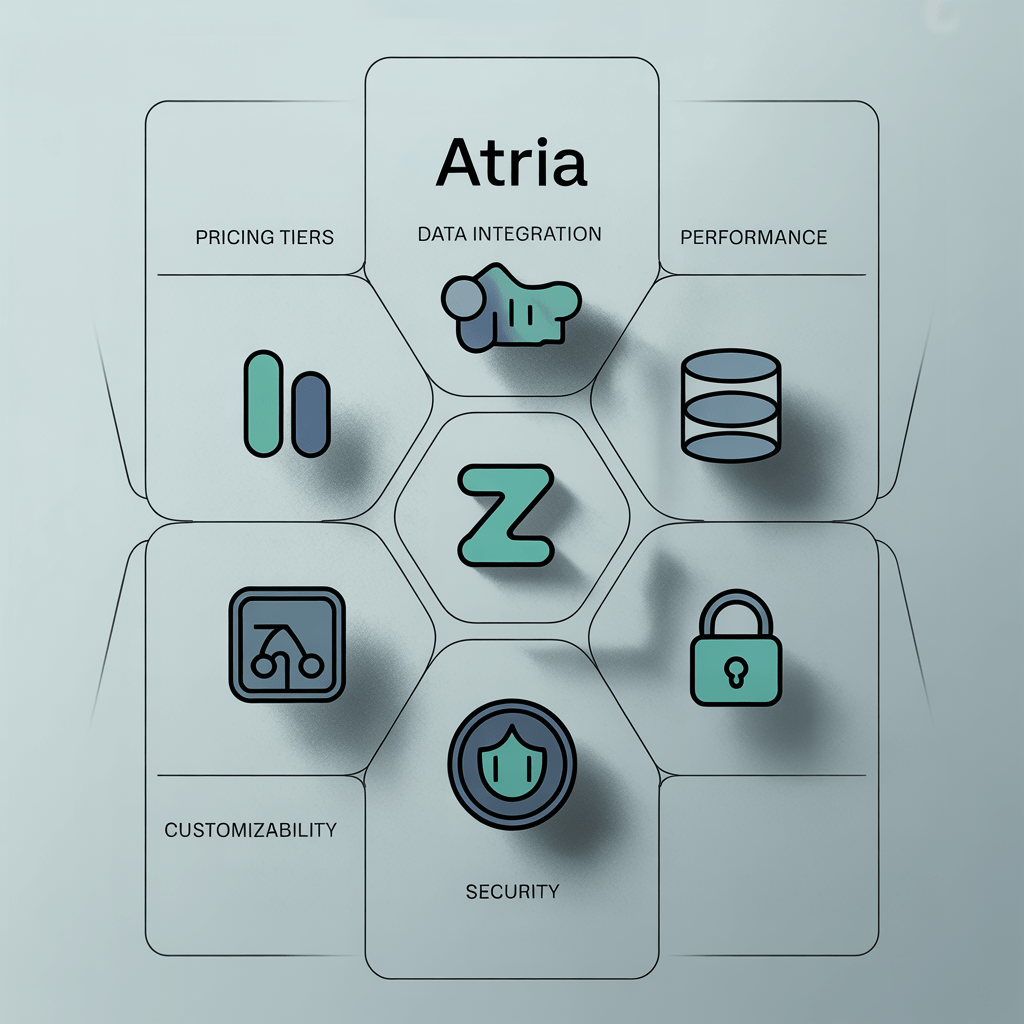
Atria has carved a niche in the tech world with its unique offerings, and three features stand out for their impact on users.
First up, the AI-Powered Personal Assistant. This isn’t just another voice-activated helper. In my experience, it genuinely understands user habits and preferences over time. Imagine having a digital concierge who anticipates your needs before you even express them. For instance, if you often schedule meetings after lunch, Atria nudges you with reminders and suggests optimal times based on your calendar. The key takeaway here is that it saves users significant time and mental effort, making daily routines smoother.
Next, consider the Integrated Health Monitoring System. This feature turns your device into a personal health coach. It tracks vital signs like heart rate and sleep patterns in real-time, providing insights without requiring additional gadgets. From a practical standpoint, it means you can keep tabs on your health metrics effortlessly. No more guessing if you’re getting enough rest or if stress levels are creeping up. Users have found this to be a crucial tool for maintaining a balanced lifestyle, especially in a world where wellness often takes a back seat.
Lastly, the Advanced Security Protocols deserve a mention. With rising concerns over data privacy, Atria offers end-to-end encryption and biometric security measures. This isn’t just about keeping your data safe; it’s about peace of mind. In my experience, knowing that personal information is protected allows users to engage more freely with their devices. They can focus on productivity rather than worrying about potential breaches.
While Atria excels in many areas, it’s not without its drawbacks. A common complaint is its steep learning curve. New users might find the range of features overwhelming at first. Additionally, the premium pricing can be a barrier for budget-conscious consumers, making it less accessible to some. However, for those who can navigate these hurdles, Atria offers a powerful, user-centric experience that’s hard to match.
Pros and Cons
- Atria’s user interface is a standout feature, offering a clean and intuitive experience that even tech novices find easy to navigate; it’s designed with clear labels and logical workflows, which significantly reduces the learning curve for new users.
- The platform’s integration capabilities are impressive, allowing seamless connection with a wide array of third-party applications; this flexibility is crucial for businesses looking to streamline operations and improve efficiency without overhauling existing systems.
- Atria’s customer support is reliably effective, with a team that’s not only responsive but also knowledgeable, ensuring that users get practical solutions to their issues quickly, which is invaluable for maintaining uninterrupted business operations.
- On the downside, Atria’s pricing can be steep for small businesses or startups, making it less accessible for those with tight budgets, especially when compared to competitors offering similar features at lower price points.
- Another minor drawback is the occasional lag in real-time analytics updates, which can create slight delays in decision-making processes for businesses that rely heavily on up-to-the-minute data to drive their strategies.
Final Verdict: Is it Worth It?
Atria has carved out a niche in the ever-evolving world of project management tools, and its 2025 iteration continues to impress. Should you buy it? Well, it depends on what you need. Here’s the scoop.
Atria excels in three key areas:
Intuitive Interface: Atria’s user-friendly layout means even tech novices can hit the ground running. It’s not just about looking good; it’s about enabling users to navigate complex projects with ease. In my experience, this intuitive design reduces onboarding time significantly, which is a win for teams eager to get started without a steep learning curve.
Advanced Automation: Atria stands out with its automation capabilities. It’s like having an extra set of hands that handle repetitive tasks, allowing your team to focus on strategic work. From scheduling updates to tracking tasks, automation reduces human error and increases efficiency. The key takeaway here is that Atria gives you back time—arguably the most valuable resource.
Robust Integrations: Atria plays well with others. Whether you’re using Slack for communication or JIRA for software development, Atria integrates smoothly. This connectivity means you won’t have to abandon the tools you love, making it easier to fit Atria into your existing workflow.
But it’s not all perfect. Here are a couple of areas where Atria could improve:
Pricing: Atria’s pricing can be a hurdle for smaller businesses. While its features justify the cost for larger enterprises, startups might find it a bit steep. From a practical standpoint, budget constraints could be a limiting factor.
Customization Limitations: Although Atria covers a broad spectrum of needs, its customization options are somewhat limited. For teams with very specific requirements, this might be a deal-breaker.
So, who should buy Atria? If you’re a medium to large organization looking for a tool that combines ease of use, powerful automation, and seamless integrations, Atria is a solid choice. However, if budget constraints are a concern or you need highly customizable features, you might need to look elsewhere.
Make an informed decision and see if Atria fits your needs. It’s always best to explore all options before committing. Check out Atria and see if it’s the right tool for you.