
Table of Contents
What is Foxit eSign?
Key Features & Benefits
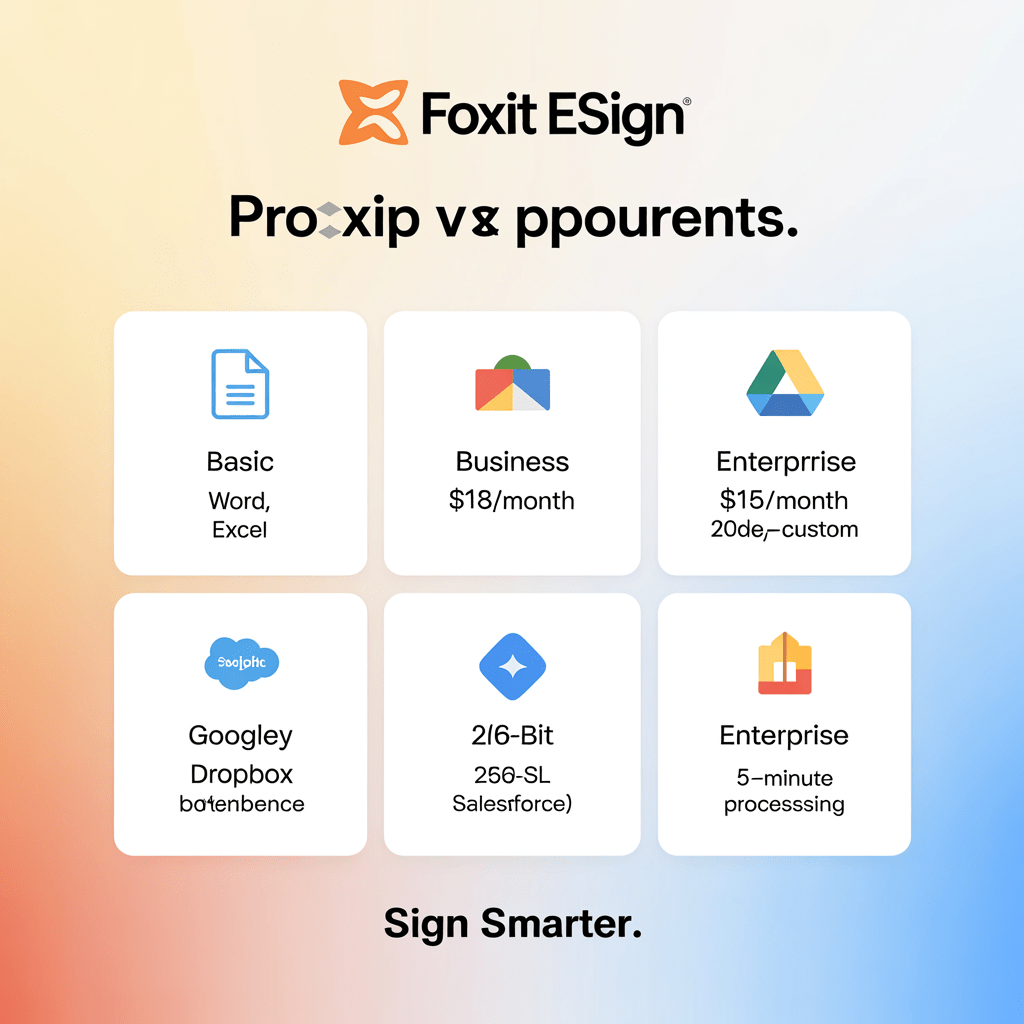
This infographic provides a concise visual overview of Foxit eSign’s key features. It highlights support for multiple file formats, displays pricing tiers clearly, illustrates integration capabilities with popular apps, underscores security with encryption info, and presents efficiency through performance metrics, all in a minimalist design for easy comprehension.
Foxit eSign brings some impressive capabilities to the table, especially for those who need their document signing processes to be efficient and straightforward. Let’s break down its top three features and see how they actually help users.
First up, Streamlined Workflow Automation. In my experience, the most time-consuming part of managing documents isn’t the signing itself—it’s everything that comes before and after. Foxit eSign shines here by automating repetitive tasks. Say goodbye to the endless loop of sending, tracking, and managing documents manually. Instead, you can set up workflows that automatically route documents to the right people at the right time. This not only speeds things up but also reduces the risk of human error. You don’t have to babysit the process, freeing up time for more important work.
Next, Seamless Integration with Popular Tools. A common mistake I see is businesses adopting new software that doesn’t play well with their existing systems. Foxit eSign avoids this pitfall with integrations that feel like a natural extension of the tools you already use, like Microsoft Office and Google Workspace. This means you can create, send, and track documents without leaving your favorite applications. The key takeaway here is the ease of use. There’s no need for a steep learning curve or extra steps that disrupt your workflow.
Finally, the Robust Security Features are noteworthy. In today’s world, data security isn’t just a feature—it’s a necessity. Foxit eSign employs advanced encryption and authentication measures, ensuring that your documents are safe from prying eyes. It’s not just about ticking a compliance box; it’s about peace of mind knowing your sensitive information remains confidential.
Pros:
1. Efficient Automation: Saves time and reduces errors by automating document workflows.
2. Great Integrations: Works smoothly with widely-used software, enhancing productivity.
3. Top-notch Security: Keeps documents secure with state-of-the-art encryption.
Cons:
1. Complex Setup for Beginners: Initial configuration might be a bit overwhelming for those unfamiliar with automation tools.
2. Limited Customization Options: While integrations are strong, the scope for tailoring features to specific business needs is somewhat restricted.
Pros and Cons
- Foxit eSign offers seamless integration with various platforms like Google Drive and Dropbox, making it incredibly convenient for users who need to manage documents across multiple services without the hassle of manual uploads or downloads.
- The user interface of Foxit eSign is intuitive and straightforward, which means even those who aren’t tech-savvy can navigate the platform efficiently, reducing the learning curve and minimizing onboarding time for new team members.
- One of the standout features of Foxit eSign is its robust security measures, including encryption and audit trails, ensuring that sensitive documents are protected from unauthorized access while maintaining compliance with legal standards.
- A minor downside of Foxit eSign is that its mobile app lacks some advanced features found on the desktop version, which might be a limitation for users who need full functionality while on the go.
- Some users have reported that customer support response times can be slower than expected during peak hours, which might be frustrating if immediate assistance is required to resolve urgent issues.
Final Verdict: Is it Worth It?
When it comes to digital document signing, Foxit eSign stands out as a solid choice for businesses prioritizing efficiency and security. But is it the right fit for everyone? Let’s break it down.
Pros:
User-Friendly Interface: Foxit eSign offers a clean, intuitive interface that even less tech-savvy users can navigate with ease. In my experience, this simplicity drastically reduces the onboarding time. Users can get up and running without the steep learning curve associated with some other platforms.
Robust Security Features: Security is non-negotiable with digital signatures, and Foxit eSign doesn’t disappoint. It provides top-tier encryption and compliance with major legal standards like ESIGN and UETA. What this means in the real world is that your documents are protected against unauthorized access, ensuring peace of mind.
Integration Capabilities: Businesses often rely on various tools, and Foxit eSign shines with its seamless integrations. Whether you’re using Google Workspace or Microsoft Office, it plugs right in, minimizing disruptions to your workflow.
Cons:
Limited Customization Options: One area where Foxit eSign could improve is in customization. Compared to some competitors, the branding options are somewhat limited. This could be a drawback for businesses wanting a fully branded signing experience.
Pricing Structure: While the features are rich, the pricing might be a hurdle for smaller businesses or startups. The cost can add up, particularly if you need access to advanced features.
Verdict:
So, should you buy Foxit eSign? If you’re a business that values a straightforward, secure, and integrative e-signature solution, then yes, it’s a worthwhile investment. However, if you’re a small business on a tight budget, you might want to weigh the costs against your specific needs.
For those ready to streamline their document signing process, check out Foxit eSign to see how it can fit into your workflow.