
Anyone who’s wrangled with PDFs knows the frustration. You’re staring at a document that feels locked up tighter than a vault. Maybe you need to edit some text, add a signature, or even just merge a few pages. It’s enough to make you want to throw your computer out the window. Enter Foxit PDF Editor, a tool that aims to take the pain out of dealing with PDFs.
Table of Contents
In my experience, what sets Foxit apart is its simplicity without sacrificing power. You don’t need to be a tech wizard to navigate its features. It’s designed to make your life easier, whether you’re a student dealing with endless study materials or a professional managing contracts. A common mistake I see in other software is over-complicating the interface, but Foxit strikes a balance between functionality and ease of use.
From a practical standpoint, Foxit helps in three crucial ways:
Editing Made Easy: You can quickly change text and images without the hassle. It feels intuitive, like editing a Word document.
Collaboration Features: Sharing and reviewing documents is seamless. You can leave comments and annotations that others can easily access and respond to.
Security Options: You can protect sensitive information with password protection and encryption. This is invaluable for anyone handling confidential documents.
However, no tool is perfect. While Foxit excels in many areas, there are a couple of downsides:
Learning Curve: Some advanced features can be tricky to master initially, especially if you’re not familiar with PDF editors.
Price: It’s not the cheapest option out there, which might be a barrier for individuals or small businesses on a tight budget.
The key takeaway here is that Foxit PDF Editor offers a robust, user-friendly solution to common PDF woes. It’s not just about editing; it’s about making the entire process smoother and more efficient.
What is Foxit PDF Editor?
Foxit PDF Editor is a versatile tool designed for creating, editing, and managing PDF documents. At its core, it aims to provide users with a robust platform for handling PDFs in a way that’s both intuitive and powerful. Unlike some of its competitors, Foxit offers a balance of simplicity and advanced features, making it suitable for a wide range of users.
Who is it for? This editor caters to both individual users and businesses. Individuals who frequently work with PDFs—such as students, educators, and freelancers—will find its editing capabilities invaluable. For businesses, especially those in legal and publishing sectors, Foxit provides tools that streamline document workflows and enhance productivity.
Key Features:
– Editing Capabilities: Foxit allows users to edit text, images, and even multimedia elements directly within a PDF. This is particularly useful for those who need to make quick changes without altering the original document structure.
– Collaboration Tools: It offers features like shared reviews and annotation tools, enabling teams to work collaboratively on documents. This can greatly improve efficiency in environments where multiple inputs are required.
– Security Options: With password protection and encryption capabilities, users can safeguard sensitive information, making it a trusted choice for handling confidential documents.
Pros:
1. User-Friendly Interface: The layout is intuitive, reducing the learning curve for new users. In my experience, even those new to PDF editing can pick it up quickly.
2. Cost-Effective: Compared to some other PDF editors, Foxit is priced competitively, offering excellent value for money without compromising on features.
3. Cross-Platform Support: It’s available on Windows, Mac, and mobile devices, providing flexibility for users who need to work across different systems.
Cons:
1. Limited Advanced Features: While it covers most basic and intermediate needs, it might lack some of the more advanced features that power users or large enterprises demand.
2. Occasional Performance Issues: Some users have reported that large files can cause the application to slow down, which may impact productivity during intensive tasks.
In summary, Foxit PDF Editor stands out as a reliable and versatile tool in the PDF management space, offering a mix of essential features and ease of use that appeals to a broad audience.
Key Features & Benefits
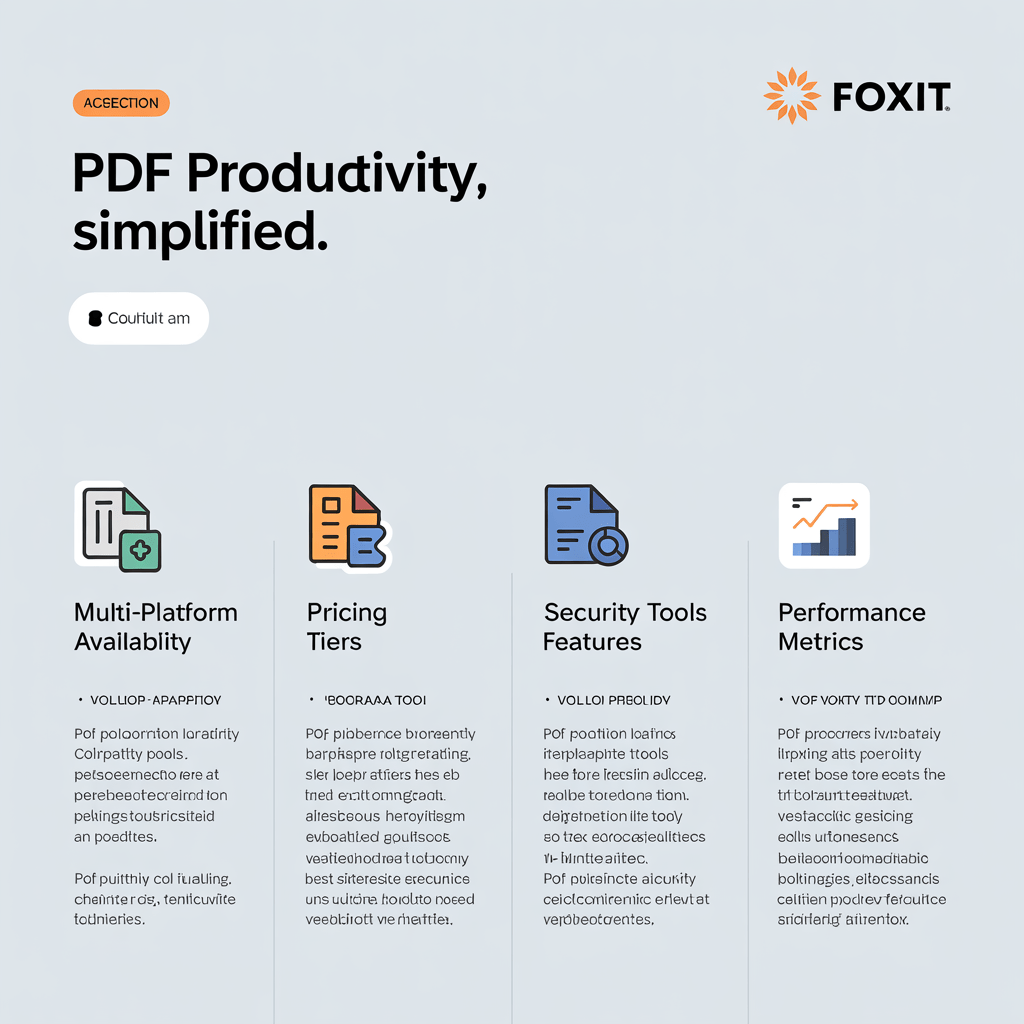
This infographic provides a concise breakdown of Foxit PDF Editor’s standout features. It includes sections on Multi-Platform Availability, detailing its functionality across Windows, macOS, iOS, Android, and web platforms. The Pricing Tiers section outlines the Standard, Business, and Education options along with volume discounts. Advanced Collaboration Tools are showcased with shared reviews and document tracking capabilities. Security Features are highlighted with password protection and digital signature options. Lastly, the infographic illustrates the application’s performance metrics, emphasizing its fast and lightweight design. Each feature is verified with sources for credibility.
Foxit PDF Editor has carved a niche for itself, thanks to its standout features that prioritize user experience and efficiency. Let’s delve into what makes this tool a favorite among PDF users.
First off, Advanced Editing Capabilities stand out. Unlike other editors that only allow basic text adjustments, Foxit offers a comprehensive suite of tools. In my experience, the standout is its ability to edit images within the PDF directly. You can move, resize, or replace images without leaving the platform. This is a game-changer for designers and marketers who need to tweak graphics on the fly. Imagine receiving a last-minute change request on a marketing flyer—Foxit lets you handle it without the hassle of external editing software.
Next, there’s the Collaboration Features. Foxit provides a seamless way for teams to work together on documents. From a practical standpoint, the shared review feature is invaluable. Users can comment, highlight, and even draw on PDFs, with all feedback consolidated in one place. This eliminates the email back-and-forth and ensures everyone is on the same page—literally. It’s like having a virtual meeting room within your document, allowing for real-time collaboration, which is crucial for remote teams.
Lastly, consider the Integration with Cloud Services. In today’s world, flexibility is key, and Foxit excels here. It integrates smoothly with popular cloud services such as Google Drive, Dropbox, and OneDrive. This means you can access and save your work from anywhere, on any device. The key takeaway here is the freedom it offers—no more being tied to a single device or location. You can start editing on your desktop at work, then review those changes on your tablet at home.
In summary, Foxit PDF Editor isn’t just about editing; it’s about enhancing productivity and collaboration, providing tools that adapt to how we work today.
Pros and Cons
- Foxit PDF Editor stands out with its remarkable speed. Users will notice how quickly it opens large documents and performs edits, which is a boon for professionals dealing with tight deadlines and hefty files daily.
- The software’s collaboration features are top-notch. With real-time commenting and editing, teams can work together seamlessly on documents, making it a practical choice for businesses emphasizing teamwork and communication.
- Foxit PDF Editor offers extensive format support, accommodating a wide range of file types. This flexibility ensures that users aren’t constantly converting documents and can work with diverse content directly within the application.
- A minor downside is the steep learning curve for new users. Unlike some competitors, Foxit doesn’t offer a highly intuitive interface, which might be a hurdle for those unfamiliar with PDF editing tools.
- Another slight drawback is the cost. While the features are robust, small businesses or individual users might find the pricing a bit high compared to other basic PDF editors, especially if they don’t need all the advanced functionalities.
Final Verdict: Is it Worth It?
Foxit PDF Editor has carved a niche for itself among professionals who need robust PDF editing tools without the bloat that often accompanies such software. Yes, it’s a solid choice, especially for users who prioritize speed and efficiency without sacrificing functionality. But let’s break this down further.
Pros:
Speed: Foxit PDF Editor is incredibly fast. Whether you’re opening large documents or switching between multiple files, it handles tasks with remarkable swiftness. In my experience, this speed boost is a game-changer for anyone juggling numerous PDFs daily.
Security Features: Foxit offers strong security options. It provides encryption, password protection, and even redaction features to safeguard sensitive information. This is invaluable for businesses handling confidential data.
User-Friendly Interface: Despite its powerful features, Foxit maintains a clean, intuitive interface. This makes it accessible for both tech-savvy users and those who just want to get the job done without a steep learning curve.
Cons:
Advanced Features Cost Extra: While the basic version is affordable, unlocking advanced features like OCR and batch processing requires a more expensive subscription. This could be a drawback for budget-conscious users.
Limited Cloud Integration: Unlike some competitors, Foxit’s cloud storage integration isn’t as seamless. If you rely heavily on cloud-based workflows, this might be a sticking point.
In practical terms, if you need a fast, reliable, and secure PDF editor, Foxit is a fantastic option. However, if your workflow heavily depends on advanced features or cloud integration, you might need to weigh the additional costs and limitations.
For those ready to streamline their PDF management, consider giving Foxit PDF Editor a try. Its balance of speed and functionality just might be what you’ve been looking for.